
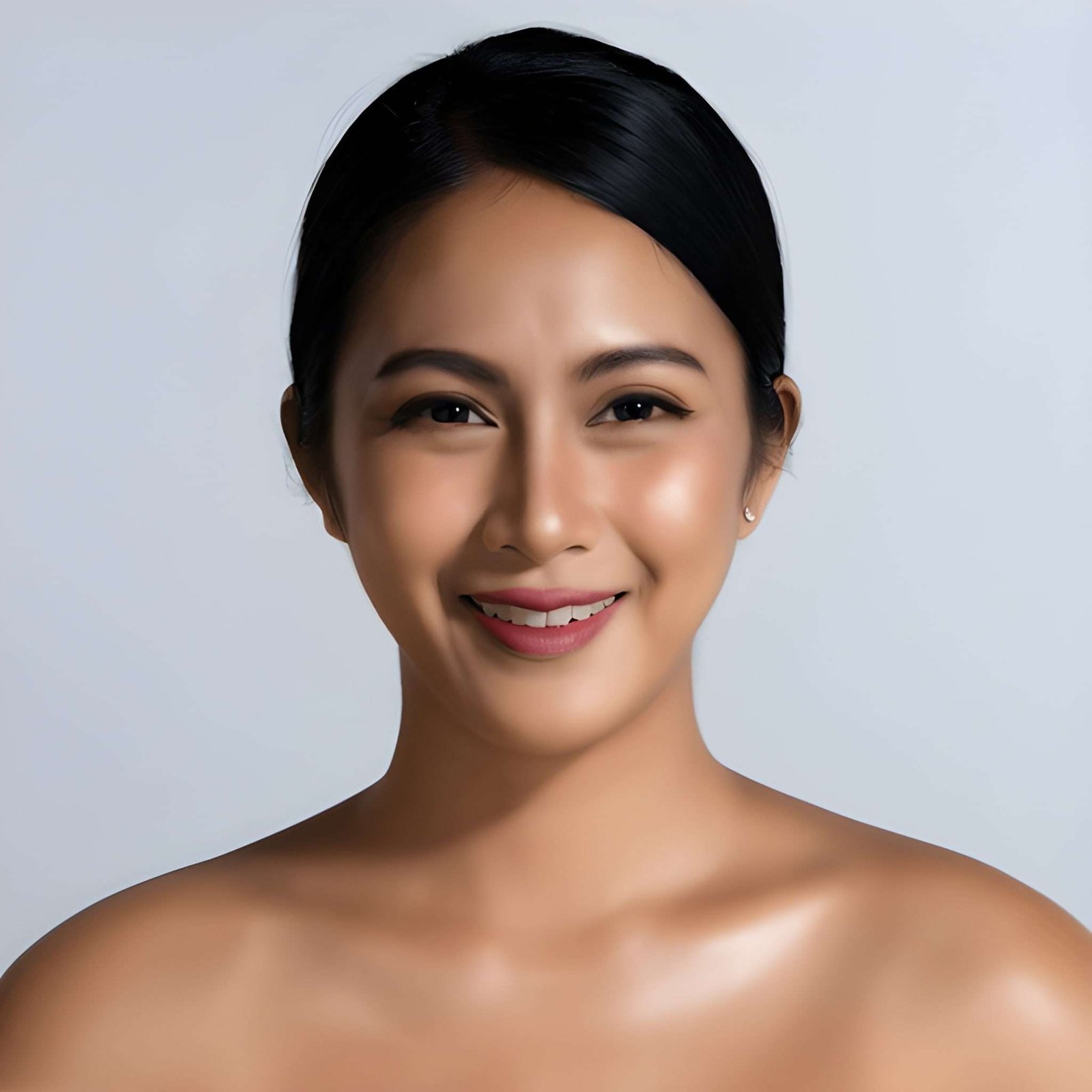
A professional headshot can significantly impact how others perceive you. Whether it is LinkedIn, a resume, or a portfolio, your headshot speaks before you do. In today’s digital world, an AI Headshot Generator has become a fast and affordable way to create polished photos. Yet, many people overlook simple hacks that can improve their results. The difference between a generic AI-rendered photo and a standout professional image lies in how you use the tool.
Understand Your Personal Brand
Before using an AI Headshot Generator, take a moment to think about your brand. Are you going for a corporate, creative, or approachable look? Defining this helps you choose the right style and background. AI tools often allow customisation in clothing, posture, and settings. If you skip this step, you may end up with a polished photo that doesn’t accurately reflect you. A headshot is not just about looking good—it is about being consistent with how you want to be remembered.
Use High-Quality Reference Photos
Most AI Headshot Generator platforms work better when you feed them high-quality photos. Avoid selfies with poor lighting or photos with heavy shadows. Instead, upload several clear images taken from different angles. The AI learns your best facial features more effectively when you provide it with variety. A crisp reference photo ensures smoother skin tones, natural eye shapes, and realistic details in the final output.
Experiment With Backgrounds
The background of your headshot influences the impression you leave. A plain neutral backdrop is ideal for corporate profiles, while a modern office background works for business consultants. If you’re in a creative field, consider using softer tones or textured settings. AI Headshot Generator tools often provide background options, so play around until you find a balance between professionalism and personality. Changing the background alone can completely transform the overall vibe of your headshot.
Pay Attention to Lighting
Lighting plays a huge role in photography, and AI rendering is no different. Before uploading, check whether your photos have balanced lighting. Harsh shadows or overly bright spots can confuse the tool and distort the results. Soft, natural lighting usually creates the most flattering headshots. If your references are consistent in lighting, the AI will generate cleaner and more realistic images.
Test Different Styles
One of the most significant advantages of using an AI Headshot Generator is the ability to test multiple styles quickly. A traditional corporate suit, a business casual look, or a creative jacket—all can be generated in minutes. Testing different styles gives you options for various platforms. For instance, you may want a formal headshot for LinkedIn but a relaxed one for personal branding. Experimenting also ensures you get the maximum value out of a single tool.
Refine with Post-Editing
Even when AI produces excellent results, minor edits can further refine the photo. You can adjust the brightness, remove minor blemishes, or adjust the tone to stay closer to your natural skin tone. Many AI Headshot Generator platforms also allow direct retouching. If not, you can use a basic photo editing app. Minor refinements can make your headshot appear more authentic and less Artificial.
Keep Your Look Updated
Your professional journey evolves, and so should your visuals. Using an AI Headshot Generator makes it easy to refresh your headshot regularly. Outdated photos can create a gap between your current identity and how others perceive you. This is especially important on platforms like LinkedIn, where an updated profile builds trust and credibility. A fresh headshot every year also shows you are active and invested in your professional image.
Avoid Over-Editing
While it’s tempting to chase perfection, avoid pushing your AI results too far. If the photo no longer resembles you, it loses authenticity. A headshot should highlight your best features without making you unrecognisable. Over-editing can also make your image look artificial, which reduces trust. The goal is not to create someone new but to present the best version of yourself.
Final Thoughts
An AI Headshot Generator can produce striking results if you use it with intention. The key is knowing what works for your personal brand and using the right inputs. By understanding lighting, experimenting with various styles, refining the results, and staying true to your authentic self, you can transform simple uploads into professional-quality headshots. The hacks are easy to apply, yet they can significantly elevate your image. A good headshot opens doors, and with AI tools, creating one has never been more accessible.